Your first big estimate shouldn’t come with a big price tag.
SAVEstimate gives young engineers the takeoff and estimating tools the big firms use — simple, steady and affordable.
No card needed · macOS & iPadOS coming soon
Step by step.
From plan to price.
No steep learning curve. If you can read a plan, you can use SAVEstimate.
Open the plan
PDF, images or a whole folder.
Calibrate
Set the scale from one known distance.
Measure
Click a room for its area, or trace area, linear, count and tiles.
Estimate
Group items by page, add costs and export to Excel or PDF.
One-Click Area
Click inside a room and SAVEstimate traces its boundary for you, even around hatched walls.
Any unit, any item
Measure one item in feet and another in metres on the same sheet. SAVEstimate converts for you.
Smart worksheet
Items are grouped by page, into groups you name. Dock the worksheet, or float it onto a second monitor.
Cost database
Build assemblies from cost items with formulas that check units, then import or export Excel.
PDF to Excel & Word
Turn a page, a whole set or just a region into an editable workbook, document or Markdown file.
Rich markups
Formatted and rotated text, clouds, callouts, stamps, splines and one colour picker for all of them.
Tile estimation
Grid, staggered or custom layouts with live counts that skip cut-outs.
Stylus & touch
Measure on-site with a stylus or your finger on an Android tablet, then finish at your desk.
Print, crop & save
Crop pages, flatten markups into the PDF, and unflatten them later if you need to edit again.
Watch it work.
Seconds, not hours.
Short clips recorded straight from the app. No edits, no speed-ups.

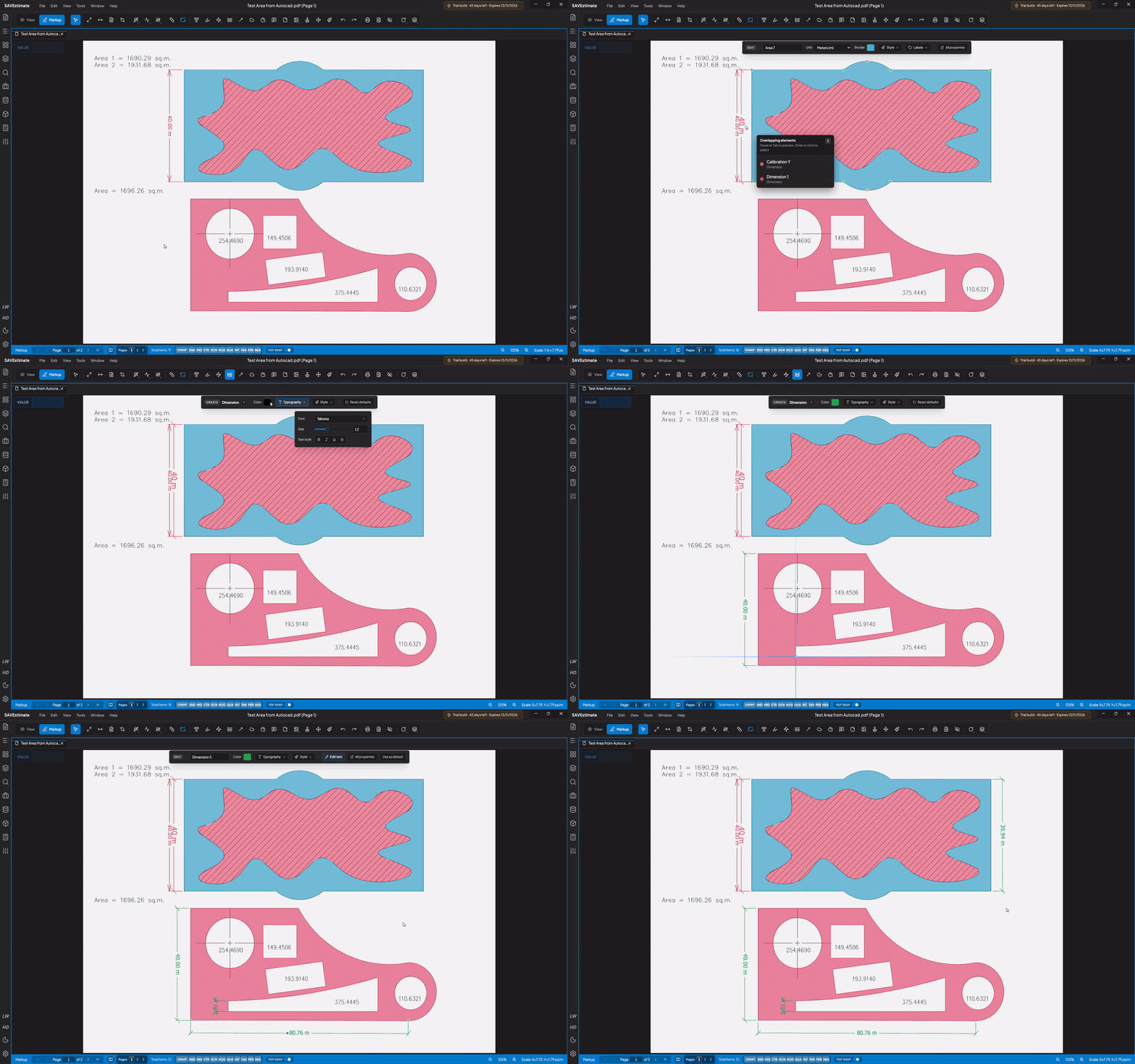


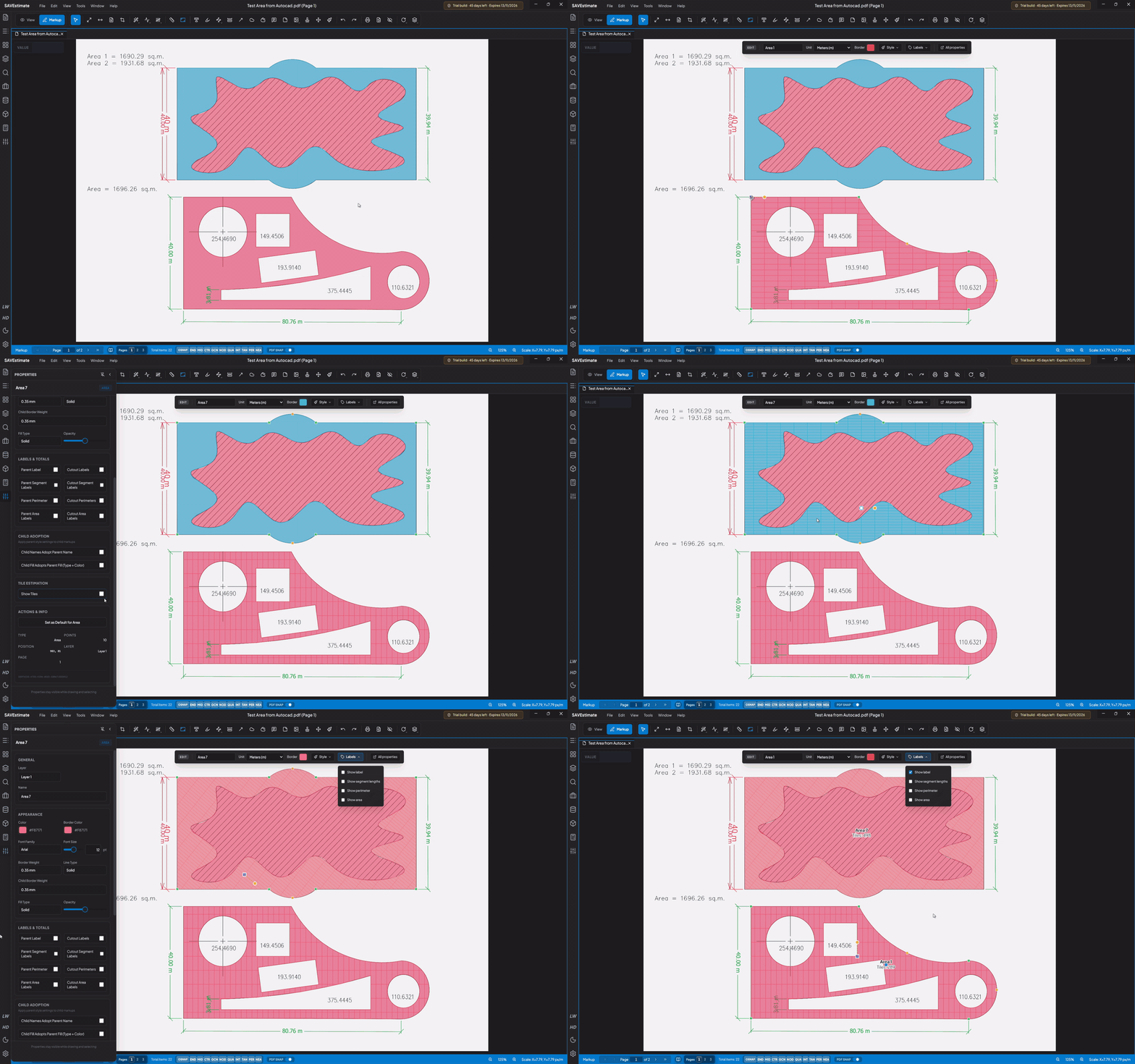
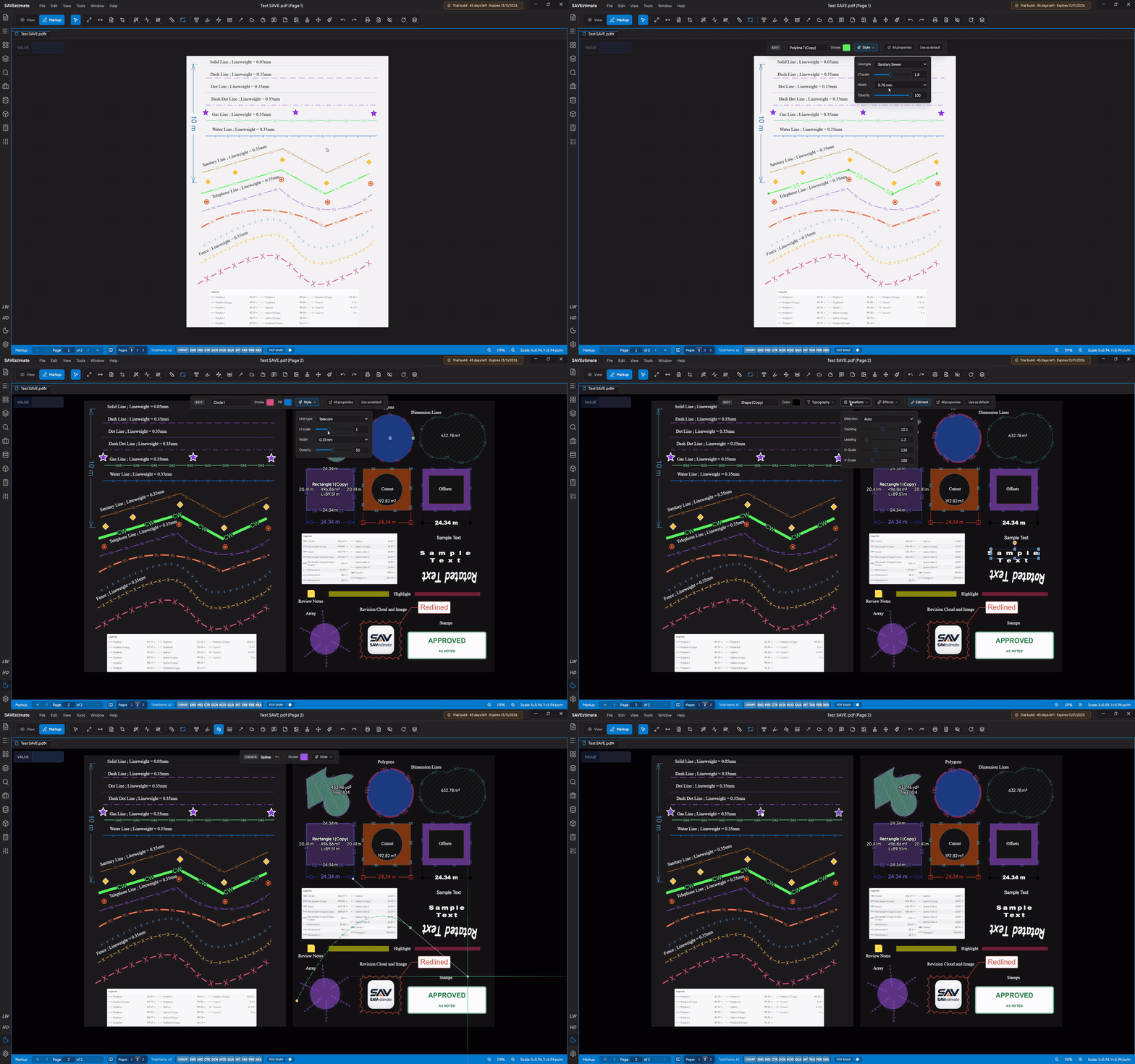
See it in action.

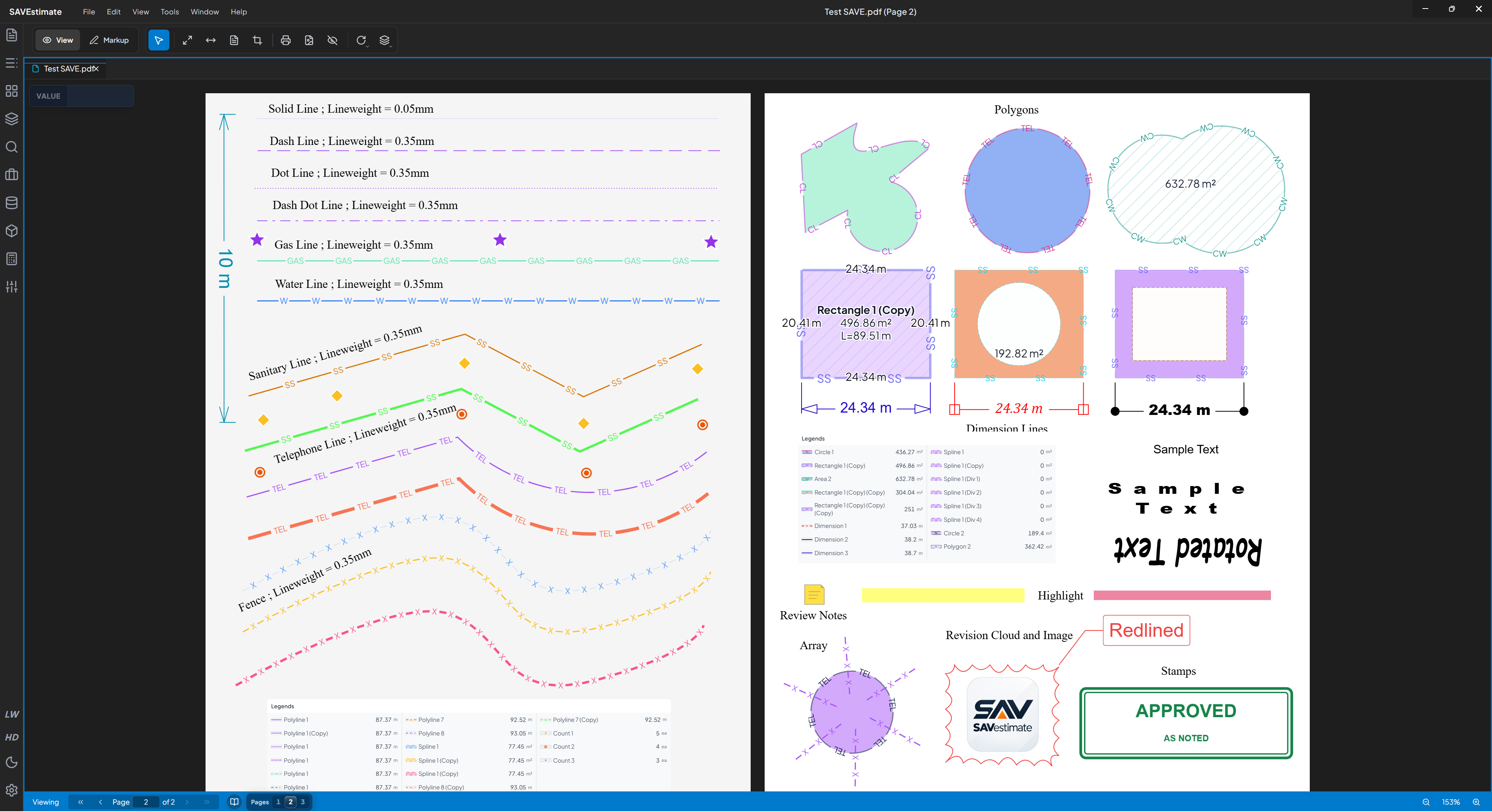

Start free.
Grow at your own pace.
Questions
What do I need to run it on a PC?
Windows 11, 8 GB of RAM and less than 1 GB of free storage.
Which Android tablets are supported?
It’s tested on the Redmi Pad Pro 5G with a stylus. Try it free on your own tablet first.
Is there a Mac or iPad version?
Not yet — macOS, iPadOS and HarmonyOS versions are on the way.
Can I keep editing my markups after saving?
Yes. Save as a SAVEstimate project, or flatten markups into the PDF when you’re done. If you change your mind, File → Unflatten Active PDF Markups makes them editable again.
Can it turn a PDF into Excel or Word?
Yes. Convert the current page, every page or a region you draw into an Excel workbook, a Word document or Markdown. On builds with OCR, scanned pages are read too.
Can I move my settings to another computer?
Yes. Go to Preferences → Export & Output → Settings Backup to export your settings, including custom line types, then import them on the other machine.